

Choosing the right website platform is one of the most critical decisions for anyone starting an online presence. Whether you are launching a business website, blog, or eCommerce store, the platform you choose will directly impact your SEO performance, scalability, and long-term growth.
Two of the most popular website builders today are WordPress and Squarespace. While both platforms allow you to create professional websites, they differ significantly in flexibility, cost, customization, and performance.
In this detailed comparison of WordPress vs Squarespace, we will break down everything you need to know to make the right decision based on your goals.
🧩 What Is WordPress
WordPress is the world’s most popular content management system (CMS), powering over 40% of all websites globally. It is an open-source platform, which means you have full control over your website.
With WordPress, you can create anything from simple blogs to complex enterprise websites. The platform is highly customizable thanks to thousands of themes and plugins.
🔹 Key features of WordPress:
- Full control over website design and functionality
- Thousands of plugins for SEO, speed, and security
- Advanced customization options
- Strong SEO capabilities
- Scalable for any business size
🧩 What Is Squarespace
Squarespace is a fully hosted website builder designed for simplicity and ease of use. It is ideal for beginners who want to create visually appealing websites without dealing with technical complexities.
Unlike WordPress, Squarespace handles hosting, security, and updates for you.
🔹 Key features of Squarespace:
- All-in-one platform (hosting + builder)
- Beautiful pre-designed templates
- Drag-and-drop editor
- Built-in security and maintenance
- Simple setup for beginners
⚔️ WordPress vs Squarespace Overview
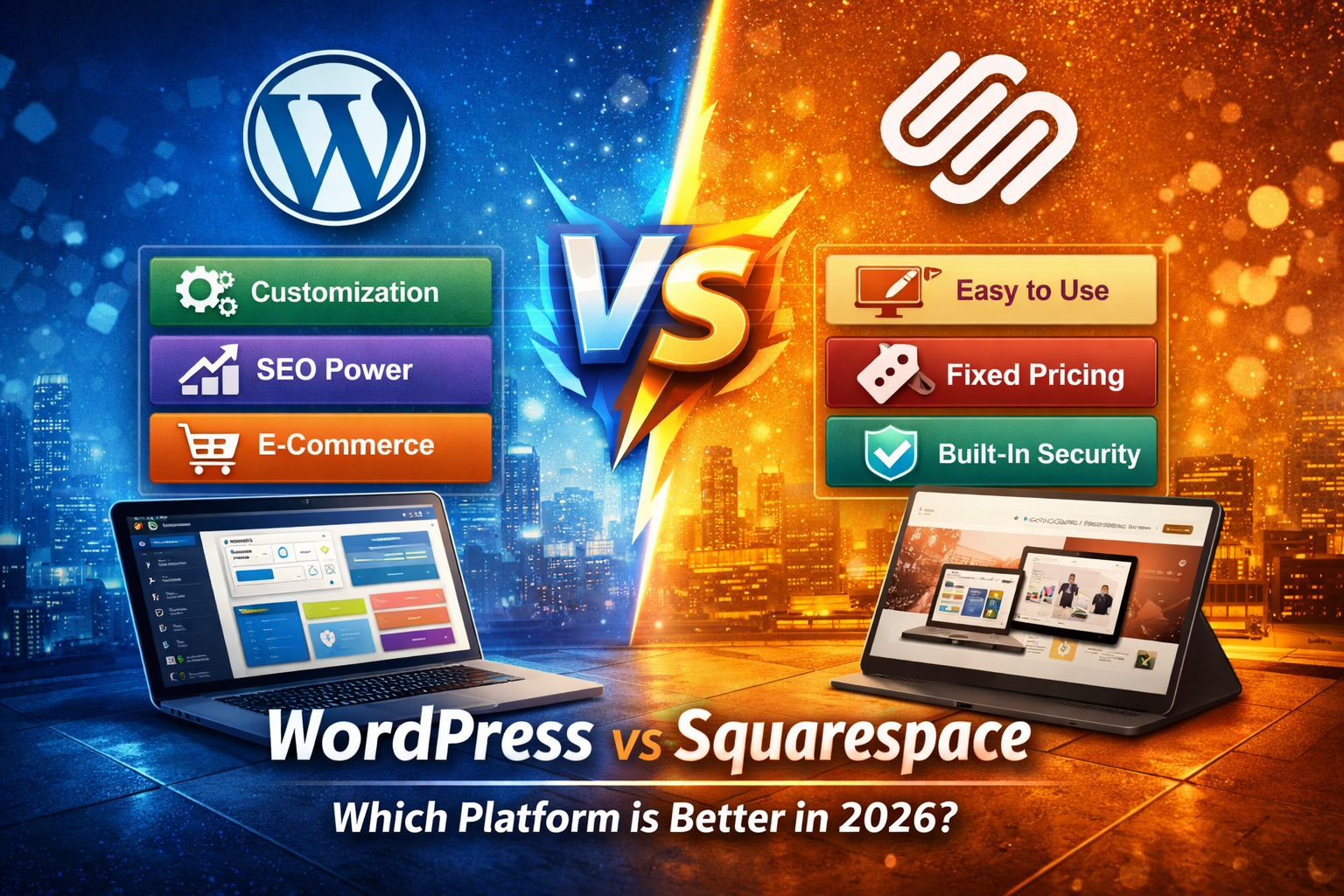
When comparing WordPress vs Squarespace, the main difference comes down to control vs simplicity.
- ⚙️ WordPress = flexibility and scalability
- ⚡ Squarespace = simplicity and speed
If you want full control and long-term growth, WordPress is the better option. If you want a quick and simple website, Squarespace might be enough.
💰 Pricing Comparison
One of the most important factors when choosing between WordPress and Squarespace is cost.
🔹 WordPress Pricing
WordPress itself is free, but you need:
- Hosting ($5 – $30/month)
- Domain ($10/year)
- Premium themes/plugins (optional)
👉 Total monthly cost can range from $5 to $50+
🔹 Squarespace Pricing
Squarespace offers fixed pricing plans:
- Personal: ~$16/month
- Business: ~$23/month
- Commerce: ~$27–$49/month
👉 Everything is included, but you are locked into their ecosystem.
✅ Verdict: WordPress is cheaper in the long run
⚙️ Ease of Use
🔹 WordPress
- Learning curve exists
- Requires setup and maintenance
- Extremely powerful after learning
🔹 Squarespace
- Beginner-friendly
- Drag-and-drop builder
- No technical setup
🏆 Verdict: Squarespace is easier, WordPress is more powerful
🎨 Design and Customization
🔹 WordPress
- Thousands of themes
- Full customization
- Page builders like Elementor
🔹 Squarespace
- Limited templates
- Clean and modern design
- Less flexibility
🏆 Verdict: WordPress wins customization
🚀 SEO Comparison
This is the most critical part.
🔹 WordPress SEO
- Full control over meta tags
- Advanced plugins (Rank Math, Yoast)
- Better URL structure
- Schema support
🔹 Squarespace SEO
- Basic SEO settings
- Limited advanced control
🔥 Verdict: WordPress is far better for SEO
🛒 eCommerce Capabilities
🔹 WordPress (WooCommerce)
- Unlimited flexibility
- No transaction fees
- Advanced features
🔹 Squarespace
- Easy setup
- Limited scalability
🏆 Verdict: WordPress is better for serious stores
🔐 Security and Maintenance
🔹 WordPress
- You manage updates
- More control
🔹 Squarespace
- Fully managed
- Automatic updates
🏆 Verdict: Squarespace is easier, WordPress is flexible
⚡ Performance and Speed
WordPress performance depends on hosting and optimization. With the right setup, it can be extremely fast.
Squarespace is optimized by default but limited in customization.
🚀 Verdict: WordPress can be faster if optimized properly
🎯 Which One Should You Choose
👉 Choose WordPress if:
- You care about SEO
- You want full control
- You plan to scale your business
- You run multiple websites
👉 Choose Squarespace if:
- You are a beginner
- You want a simple setup
- You don’t want technical work
🏁 Final Verdict
There is no one-size-fits-all answer when comparing WordPress vs Squarespace.
However:
✅ WordPress = long-term growth + SEO + scalability
⚡ Squarespace = simplicity + speed + ease of use
If you are building a serious business, WordPress is the clear winner.
❓ FAQ
❓ Is WordPress better than Squarespace for SEO
👉 Yes, WordPress offers more advanced SEO control.
❓ Is Squarespace easier than WordPress
👉 Yes, it is beginner-friendly.
❓ Which is cheaper WordPress or Squarespace
👉 WordPress can be cheaper depending on setup.
❓ Can I switch from Squarespace to WordPress
👉 Yes, migration is possible.