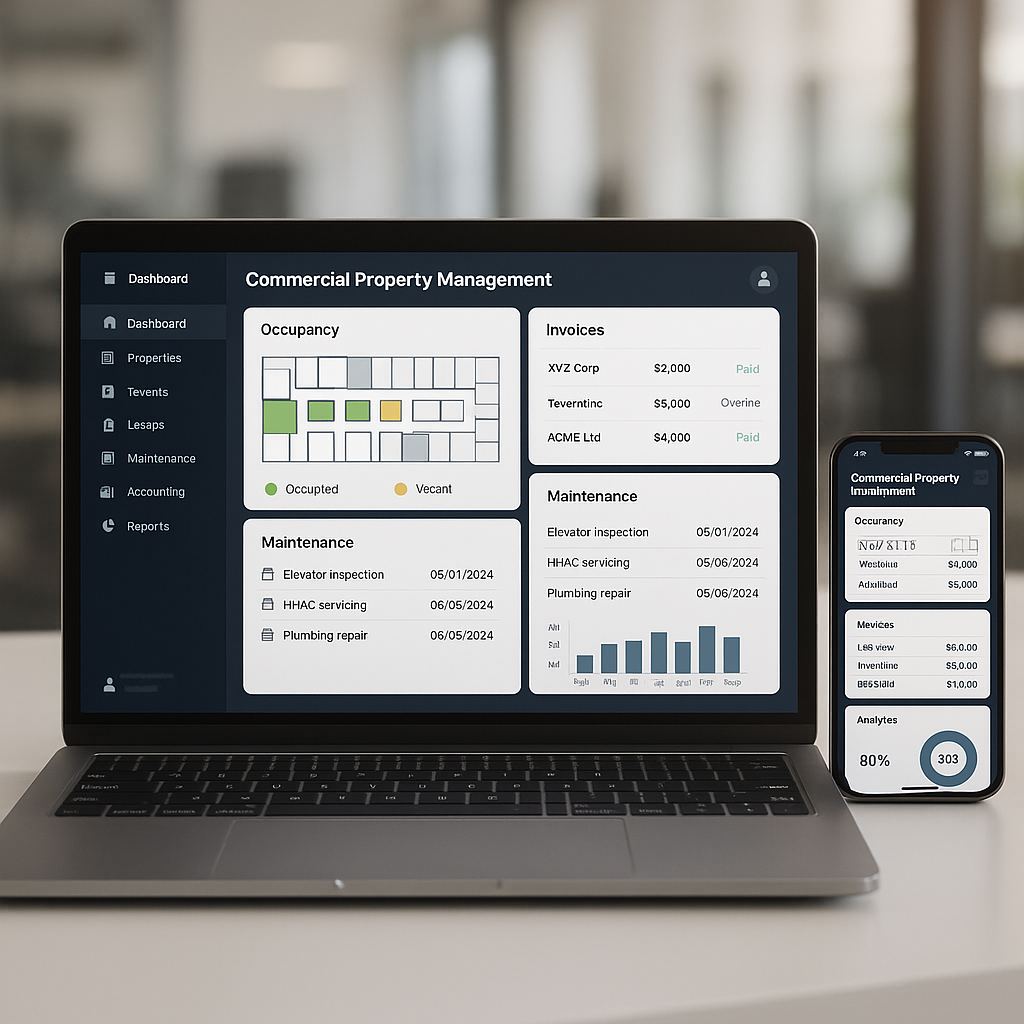

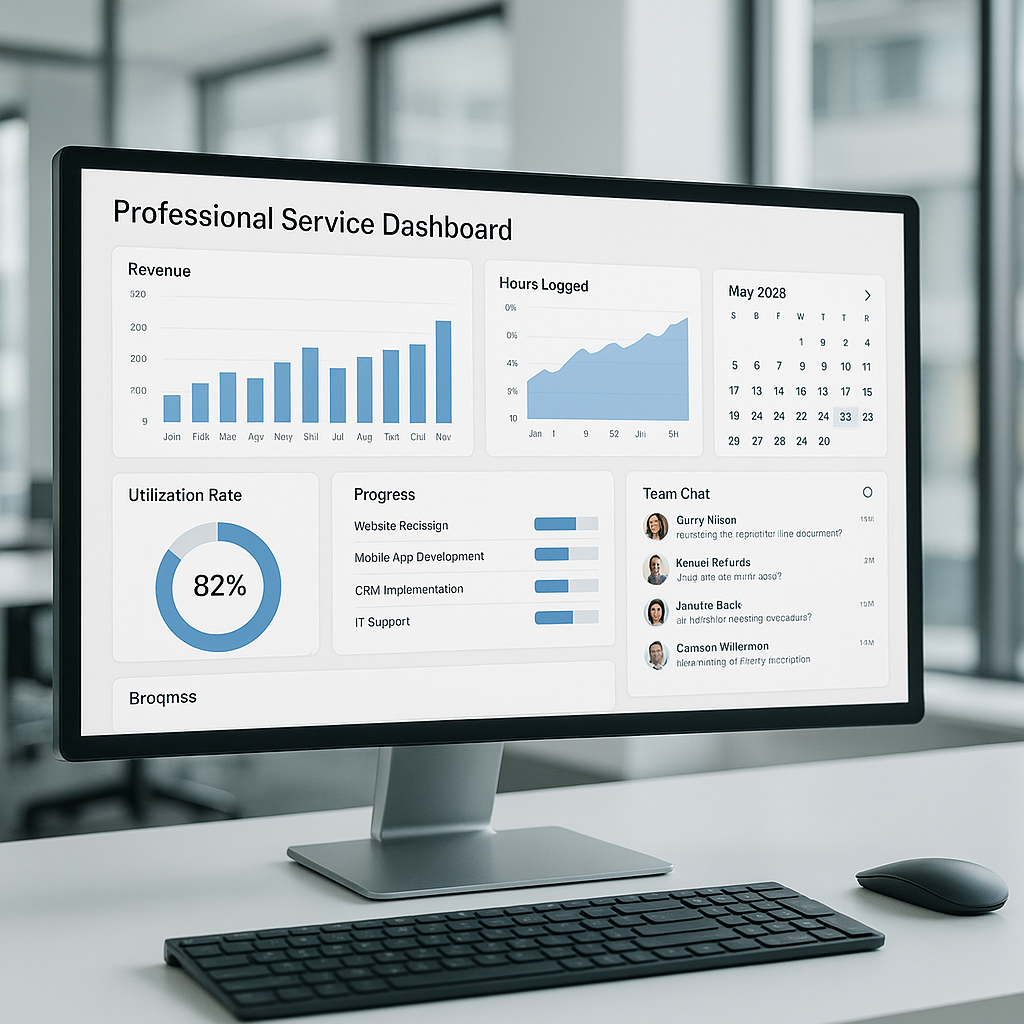

Organizations that deliver services face accelerating pressure to improve responsiveness, control costs and deliver predictable revenue. Selecting the right Psa Software is a strategic decision for professional services firms, managed service providers, field service teams and small-to-medium businesses that run recurring engagements. This guide outlines what a modern solution delivers, the functional and technical capabilities to prioritize, how to evaluate vendors from operational and financial standpoints, and practical steps to reduce risk during rollout.

What is Psa Software
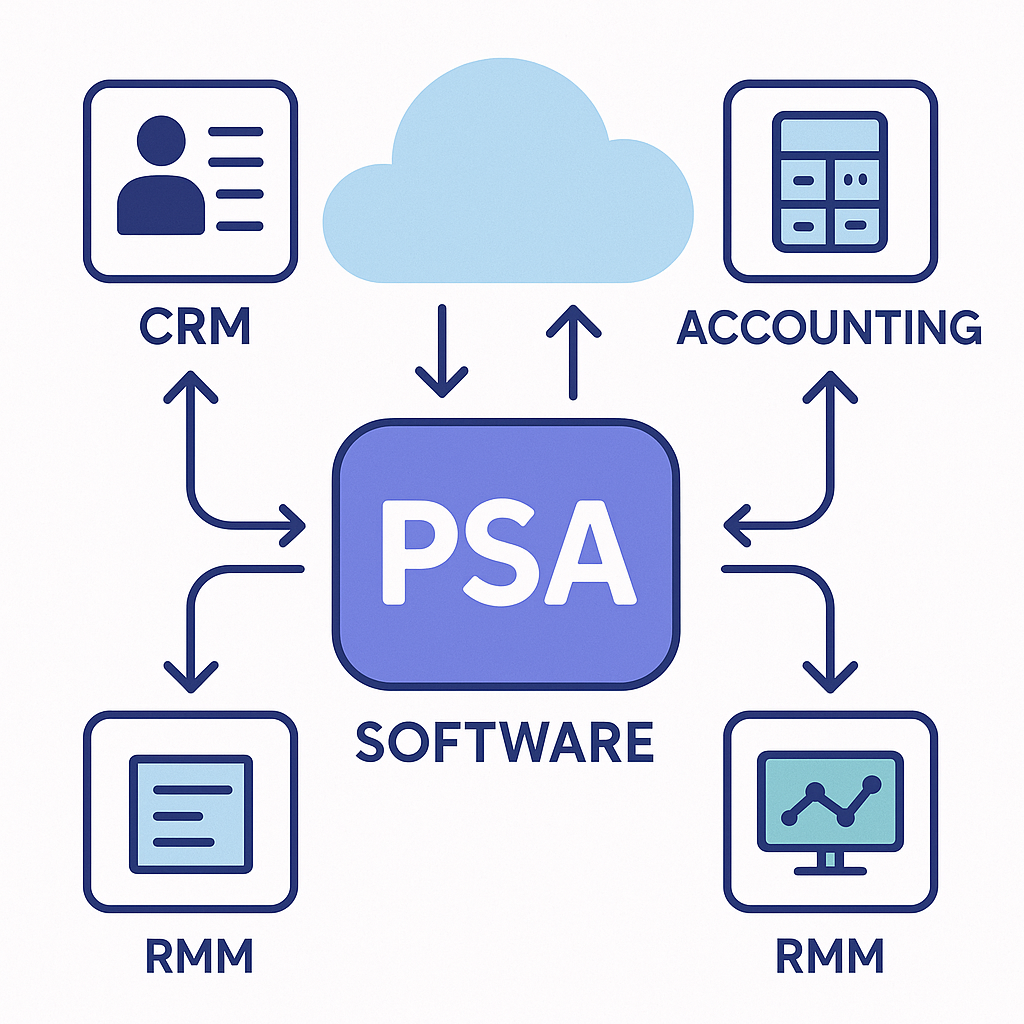
Psa Software refers to platforms designed to automate and unify the core operational processes of a services business. At its best, a PSA platform centralizes project and engagement management, technician scheduling, time and expense capture, ticketing, billing and reporting into a single operational hub. Rather than a collection of siloed point tools, a mature solution orchestrates workflows across teams and integrates with CRM, accounting and monitoring systems to provide a single source of truth for delivery and finance.
Core capabilities explained
- Project and engagement management — Create budgets, track milestones and manage deliverables with visibility into profitability and effort.
- Resource scheduling and dispatch — Match skills, availability and geography to optimize assignments and reduce travel or idle time.
- Ticketing and service desk — Route incidents, manage SLAs and escalate according to business rules while capturing resolution history.
- Time and expense capture — Streamline time entry with mobile, timers and approval workflows for accurate billing and payroll.
- Billing and revenue management — Support fixed-fee, time-and-materials, subscription and contract billing with automated invoice generation and revenue recognition.
- Analytics and reporting — Operational dashboards and exportable reports that give leadership insights into utilization, backlog and margin trends.
- Integrations and APIs — Native connectors or documented APIs that link customer data, financial systems and remote monitoring tools to reduce manual reconciliation.
Why invest in Psa Software

Investing in a single platform for service operations reduces friction between field teams and finance, improves resource utilization and decreases revenue leakage. Operationally, it enforces consistent processes, accelerates invoice cycles and enhances SLA compliance. Financially, it improves forecasting accuracy and shortens days sales outstanding (DSO). For organizations seeking predictable growth and tighter margins, the benefits extend beyond efficiency to improved customer experience and more reliable cash flow.
Quantifying return on investment
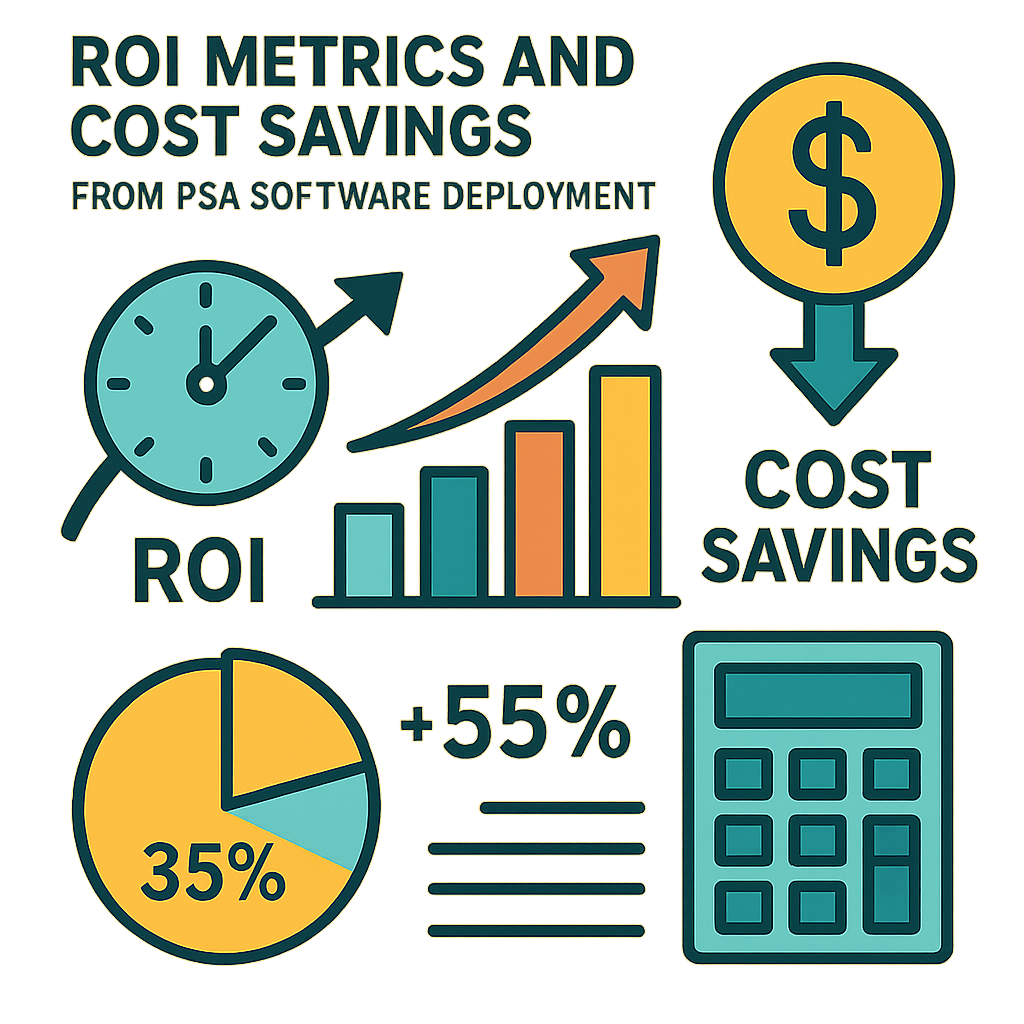
Return assumptions vary by industry and scale, but typical levers include faster invoicing, increased billable hours, fewer disputes and lower administrative overhead. When modeling ROI, capture both hard savings and softer gains like improved customer retention and faster decision-making.
- Reduction in time to invoice — Automating invoice triggers and consolidating billing events tightens cash conversion cycles.
- Improved technician utilization — Smarter scheduling and skills-based matching increase billable utilization without increasing headcount.
- Fewer billing errors — Automated capture and validation of time and parts reduce disputes and write-offs.
- Lower administrative overhead — Replacing manual reconciliations with integrated workflows reduces FTE hours in billing and finance.
Use vendor case studies and industry benchmarks to validate assumptions. For field-service segments, selection guides and ROI examples tailored to trades or managed services can help make the business case.
How to evaluate Psa Software vendors
Buyers with intent to purchase should evaluate candidates across three dimensions simultaneously: operational fit, technical compatibility and commercial sustainability. A structured evaluation reduces risk and uncovers the best architectural and commercial match for current and future needs.
Define use cases and requirements
Start with a prioritized, measurable list of business outcomes. Typical requirements to capture include multi-site scheduling, mobile offline capabilities, integration with core accounting platforms, configurable SLAs, granular role-based access, and automated revenue rules. Involve stakeholders from service delivery, operations, finance and IT to ensure requirements reflect cross-functional priorities and that adoption barriers are identified early.
Functional fit and demo validation
Product demonstrations should be scenario-driven. Ask vendors to run end-to-end workflows that match your standard use cases rather than scripted feature tours. Validate usability for different personas (dispatchers, field technicians, project managers, and finance) and confirm how much setup is configuration versus custom development.
- Request real-world scenarios that mirror your processes.
- Assess the mobile app for speed, offline access and user ergonomics.
- Confirm business-rule configurability and automation capabilities.
- Evaluate reporting and export flexibility for finance and leadership.
Integration and architecture
Examine how a platform connects to your existing systems. Vendors offering pre-built connectors to CRM, ERP and RMM solutions reduce integration risk. When custom work is needed, evaluate the API maturity, webhook support, rate limits and error handling patterns. Security controls in authentication (SAML, OAuth) and data synchronization strategy (near-real-time vs batch) should be confirmed with your IT and security teams.
Security, compliance and privacy
Data protection and regulatory compliance are essential selection criteria. Ask for security whitepapers, SOC or ISO audit reports, encryption details, backup policies and incident response capabilities. Include legal and privacy teams in contract negotiations, and ensure that data residency, retention and deletion processes align with your obligations.
Deployment options and technical considerations
Deployment model affects cost, control and speed of implementation. Evaluate cloud-hosted, hybrid and on-premise options against your governance profile and operational capacity.
Cloud SaaS
Cloud-delivered platforms reduce the burden on internal infrastructure teams and provide predictable subscription pricing and faster upgrades. Confirm SLA terms for uptime, data retention, incident response and support. Verify the vendor’s approach to tenant isolation, encryption at rest and in transit, and their procedures for data export should you decide to leave.
On-premise and hybrid
On-premise deployments are chosen by organizations that require direct control over sensitive data or must comply with strict regulatory constraints. They come with higher operational overhead for backups, patching and scaling. Hybrid models can offer a compromise by keeping critical data in-house while leveraging cloud modules for analytics, mobile sync and large-scale integrations.
Scalability and performance
Assess whether the chosen platform can support anticipated growth in users, ticket volume and transaction complexity. Request evidence of load testing, reference accounts at comparable scale and metrics on average response times. Confirm vendor support for multi-tenancy or multi-entity operations if you manage separate business units or regions.
Integrations that matter
Integrated workflows are where a platform creates the most operational leverage. Prioritize connectors that eliminate manual touchpoints and ensure a single version of truth between service delivery and accounting systems.
Essential integrations
- Accounting — Bi-directional synchronization of invoices, customer information and payment status prevents reconciliation gaps.
- CRM — Shared customer context and contract visibility enable sales and service to operate from the same record.
- Remote monitoring and management — Automated ticket creation and state updates for managed services providers improve MTTR and reporting.
- Inventory and procurement — Real-time parts availability, BOMs and consumption tracking reduce delays and stockouts.
Integration architecture best practices
Prefer vendors with a library of pre-built connectors and a well-documented API platform. When a bespoke approach is necessary, validate middleware compatibility, message queuing patterns and error reconciliation processes. Design integrations to be idempotent and observable so that failures can be detected and corrected without data corruption.
Security and governance
Security and governance are ongoing responsibilities, not checklist items. Ensure contractual commitments are in place for data protection and that your internal processes reflect the security model of the platform.
Key security checkpoints
- Encryption of data at rest and in transit
- Role-based access control, fine-grained permissions and audit trails
- Multi-factor authentication and integration with corporate identity providers
- Regular backups, documented recovery objectives and business continuity plans
- Third-party certification evidence, periodic penetration testing and vulnerability management
Make privacy assessments part of the procurement workflow. Request vendor responses to data subject requests and deletion processes to ensure compliance with applicable privacy laws.
Pricing models and total cost of ownership
Pricing approaches vary across vendors: per-user licenses, tiers based on managed assets, or consumption models tied to transactions. License fees form only a portion of total cost of ownership (TCO). An accurate TCO model includes implementation, integrations, training, internal change management and ongoing support.
Cost categories to budget for
- Subscription or license fees — Monthly or annual charges per user or per asset.
- Professional services — Configuration, systems integration and data migration costs.
- Training and onboarding — Role-based training for administrators, dispatchers and field staff.
- Internal change management — Resources required to drive adoption and process change.
- Ongoing support and maintenance — Premium support, custom enhancements and upgrade management.
Model three- to five-year scenarios and compare those numbers against expected savings from reduced write-offs, lower administrative FTEs and improved cash flow to determine realistic payback and ROI timelines.
Implementation best practices
Successful deployments follow a repeatable methodology: governance, phased delivery, focused pilots and measured rollouts. Focus on outcomes rather than feature checklists to accelerate time-to-value.
Project governance and stakeholder engagement
Establish a steering committee that includes executive sponsors, IT, finance, operations and representative end users. Clear roles, decision authorities and an escalation path minimize delays and keep the timeline on track. Maintain a change control process for modifications that affect scope or budget.
Phased rollout and pilots
Begin with a pilot for a narrowly defined, high-impact process such as field scheduling or billing for one business line. Use pilot learnings to refine configurations, train champions and document repeatable deployment patterns. A phased rollout reduces risk and builds organizational confidence.
Data migration and integrity
Data is critical to making the platform useful on day one. Develop a migration plan that includes data profiling, cleansing, mapping and staged imports. Perform reconciliation exercises and verify migrated records with business owners. Retain legacy data in read-only archives to ensure auditability during transition.
Training and adoption
Adoption is the most common barrier to success. Invest in role-based training, easy-to-find quick reference materials and a support model that provides hands-on help during the initial weeks. Appoint local champions in each team to act as first-line support and to surface feedback for continuous improvement.
Vendor selection checklist
Use a consistent checklist to compare vendors and eliminate bias. This helps ensure that decisions are made on objective criteria and that important areas are not overlooked.
- Demonstrates end-to-end process fit for your business
- Provides required integrations with CRM and accounting systems
- Supports mobile and offline field operations
- Offers flexible pricing and transparent TCO estimates
- Has documented security controls and compliance evidence
- Provides client references and relevant industry use cases
- Offers a clear implementation methodology and professional services
- Includes ongoing support, product roadmap and upgrade policies
Operational considerations after go live
Post-deployment governance ensures the solution continues to deliver value. Monitor agreed KPIs, operate a change backlog and run periodic health reviews with the vendor. Regularly revisit processes to remove bottlenecks revealed by new operational visibility.
Key operational practices include:
- Regular KPI reviews for DSO, utilization, SLA compliance and backlog trends
- A defined cadence for process improvement sessions with stakeholders
- Change request governance to manage enhancements without disrupting core operations
- Ongoing training programs to support new hires and role changes
Frequently asked questions
How long does it take to implement Psa Software
Timelines depend on scope and integrations. Small teams with simple processes can go live within weeks, while complex, multi-site, enterprise deployments typically require three to nine months. Allow additional time for user training, data validation and stabilization of workflows after cutover.
Can Psa Software integrate with legacy accounting systems
Most vendors provide connectors for mainstream accounting systems. When dealing with legacy ERP or bespoke finance platforms, integration may require middleware, ETL tools or custom development. Confirm the vendor’s integration history with similar legacy systems and include integration scope and testing in the project plan to avoid surprises.
What level of customization is recommended
Favor configuration over custom code. Built-in configurability reduces upgrade friction and long-term maintenance. Reserve customization for genuine competitive differentiators that cannot be achieved through configuration, and ensure any custom work is documented, tested and covered by your support arrangement.
How do I measure success after deployment
Define success criteria before go-live and capture a baseline for each metric. Common KPIs include reduced time to invoice, improved technician utilization, shorter ticket resolution times, fewer billing disputes and greater forecast accuracy. Measure adoption rates and user satisfaction as leading indicators of long-term success.
Who should be involved in the selection process
Include executive sponsors, IT, finance, operations, service delivery leads and representative end users. Cross-functional participation ensures the selected platform meets operational needs and aligns with technical and financial constraints. For strategic purchases, consider engaging procurement and legal early to address contracting, compliance and SLAs.
How do I manage vendor and contract risk
Request client references, ask about vendor financial stability and evaluate the roadmap for ongoing product investment. Ensure contracts include clear SLAs, data ownership clauses and exit terms that enable orderly transition if you change providers. Consider phased payments tied to milestones and deliverables to align incentives.
If you need help with vendor evaluation, procurement or ROI modeling, our team can provide advisory support. Contact us via the Contact page to arrange a consultation. For further reading about our organization and approach to buying enterprise services technology, visit About Us. If you require details on privacy or contractual obligations, please review the Privacy Policy and Terms and Conditions linked on our site. To manage account preferences during a trial or evaluation, users can update their information via Edit Profile.